Private AI Agents: Running Agents Inside Your Own Cloud
A plain guide to running AI agents inside your own cloud. It maps the boundary for the model, tools, data and logs, then compares three patterns and ends with a pilot checklist.
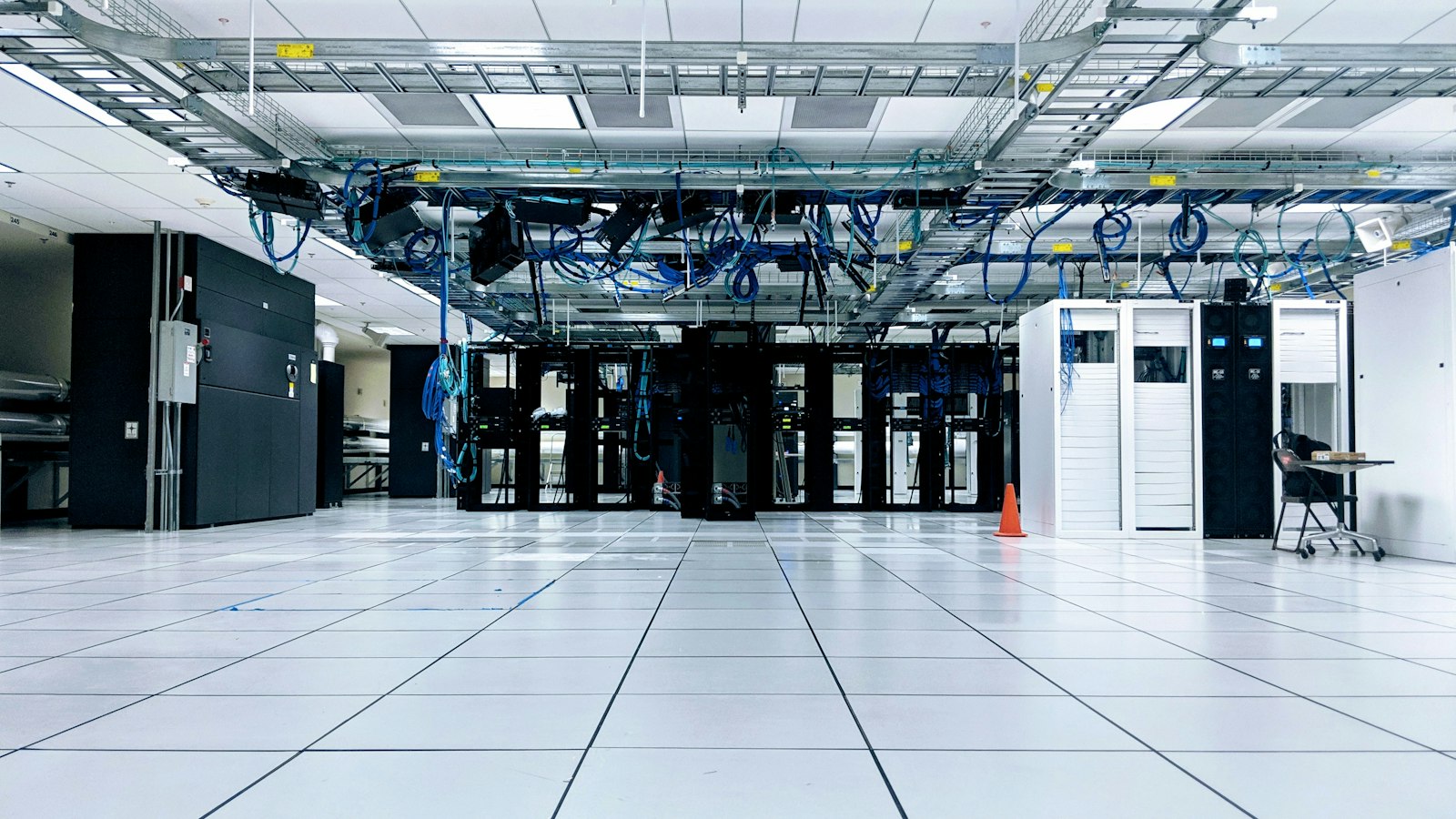
Private AI agent development means you decide what crosses your network boundary. Not the vendor.
Yes, agents can run inside your own cloud. The model is the only part that often lives outside, and even that has options.
There are three patterns: a hosted model reached over private networking, a self-hosted model, and a fully isolated environment. This post maps the boundary, compares the three, and ends with a pilot checklist.
Why location of the agent matters
An agent is not one thing. It is a model, a loop, a set of tools, some data, and a trail of logs. Each part can sit in a different place.
That matters for three reasons.
Data leaves in more ways than you think. Prompts carry customer records. Tool calls carry query results. Logs store both. If you only worry about the model API, you miss the other exits.
Agents act. A chat window shows text. An agent calls tools with real credentials. OWASP’s excessive agency entry says to minimize extensions, minimize their permissions, and run them in the user’s context. Where the agent runs decides how well you can enforce that.
Your regulator or customer may ask where. NSA, CISA and partner agencies tell deployers to identify the environment’s security boundaries and how the AI system fits inside them. That is a sensible first step for any buyer, regulated or not.
I covered the policy side in data sovereignty for AI agents and sovereign AI for the enterprise. This post is the architecture side.
Boundary diagram: model, tools, data, logs
Draw this on a whiteboard before you pick a vendor.
 YOUR CLOUD ACCOUNT / VPC
 +--------------------------------------------------------+
 |  Users / triggers                                      |
 |        |                                               |
 |   [ Agent runtime: loop, state, approvals ]            |
 |        |             |                 |               |
 |   [ Tools ]     [ Data stores ]   [ Logs + traces ]    |
 |   (APIs, DBs)   (docs, vectors)   (prompts, outputs)   |
 |        |                                               |
 +--------|-----------------------------------------------+
          |  MODEL CALL  <-- this is the crossing to decide
          v
   Pattern 1: hosted model, reached over private link
   Pattern 2: model server inside the same VPC
   Pattern 3: model server in a separate isolated zone
For each box, ask four things: where does it run, who can reach it, what leaves it, and what does it write down?
Here is what crosses the boundary in each part:
| Part | What it holds | What can cross |
|---|---|---|
| Model | Weights, inference | Prompts and outputs, if hosted outside |
| Tools | Credentials, API access | Anything a tool can call; this is the egress risk |
| Data | Documents, records, embeddings | Retrieved chunks inside prompts |
| Logs | Prompts, outputs, tool calls | Whatever you ship to a monitoring vendor |
Two things people forget. First, tools are the largest exit. A private model endpoint does not help if a tool can fetch any URL from the internet. Second, logs are data. A full trace holds the same sensitive text as the prompt. Put logs inside the boundary and treat them like the source data.
Pattern 1: private networking to a hosted model
Your agent runtime, tools, data and logs run in your cloud. The model stays with a provider, but you reach it over a private connection instead of the public internet.
On AWS, for example, PrivateLink lets you connect your VPC to Amazon Bedrock “without the use of an internet gateway, NAT device, VPN connection, or Direct Connect connection.” Bedrock documents three endpoints: bedrock, bedrock-runtime, and bedrock-agent-runtime. You can attach an endpoint policy, because the default policy “allows full access.” The other large clouds offer similar private-endpoint features, so check your provider’s docs for the equivalent.
Bedrock’s data protection page also says that model providers do not have access to the accounts where models are deployed, or to prompts and completions. That is a statement about one platform. Other hosts differ, so ask each one.
What still crosses: every prompt and every output, to the model host. Your data stays private from the public internet. It does not stay private from the model host.
Watch for: retention. Direct-from-lab APIs may keep data for abuse checks. OpenAI’s enterprise privacy page (updated January 2026) says API inputs and outputs may be retained for up to 30 days on most endpoints, with zero data retention available for eligible endpoints and qualifying use cases. Cloud platforms have their own rules. Get the retention answer in writing for the exact endpoint you will use. My vendor question list has the wording.
Best for: confidential but not regulated-secret data, where a contract with a cloud provider you already trust is acceptable.
Pattern 2: self-hosted model
You run the model yourself, on GPUs in your own VPC or data center. The agent runtime, tools, data, logs and model all sit inside your boundary. Nothing crosses.
This usually means an open-weight model behind an inference server that you operate. You control the version, the network rules, and the logs.
You also take on the work:
- Capacity. You buy or rent GPUs and size them for peak load.
- Quality. Open-weight models may trail the best hosted ones on hard tasks. Test on your own cases before you commit.
- Operations. Patching, scaling, monitoring, and on-call are yours.
- Supply chain. NIST’s generative AI profile warns about third-party components that may be “improperly obtained or not properly vetted.” The joint NSA and CISA guidance adds a practical rule: do not run a downloaded model right away in your enterprise environment. Inspect it first in a secure zone, with scanners if you have them.
Model weights are now an asset to protect. The same guidance says to encrypt sensitive AI information such as weights, outputs and logs at rest, and to keep keys in a hardware security module.
For the full decision, see self-hosted LLM for the enterprise.
What still crosses: nothing at inference time. Software updates and model downloads still come in from outside, so control those.
Best for: regulated data, strict customer contracts, or high volume where hosted per-token cost starts to hurt.
Pattern 3: isolated environment
This is Pattern 2 with the internet removed. The environment has no route out, or only a narrow, audited one. People call this air-gapped, though many “air-gapped” setups still have a controlled path for updates.
The design changes in three ways:
- No egress by default. Tools can only call systems inside the zone. Every outbound path is a named exception.
- Artifacts come in through a gate. Models, packages, and container images enter through a scanning step, usually on a schedule, not on demand.
- Humans move data in and out. Anything that leaves is reviewed.
This pattern costs the most and moves the slowest. Updates lag. Tool choices shrink, because many tools assume internet access. Debugging is harder.
What still crosses: only what you approve, through the gate.
Best for: the most sensitive data classes, such as classified or highly regulated workloads. If you cannot name a rule that demands it, it is probably too much.
Which pattern fits which data class
Start from the data, not the technology.
| Data class | Example | Likely pattern |
|---|---|---|
| Public or internal-low | Marketing drafts, public docs | Hosted API is fine |
| Confidential | Customer records, contracts | Pattern 1, with retention terms in writing |
| Regulated | Health, financial, personal data under strict rules | Pattern 1 on a certified platform, or Pattern 2 |
| Restricted | Trade secrets, classified, critical systems | Pattern 2 or 3 |
A single company often needs more than one. Route by workflow. An internal FAQ agent and a claims agent do not need the same boundary. The row for your data is a starting point. Your legal team has the last word.
Access, secrets and egress
Moving into your cloud does not make an agent safe. These controls do.
Identity. Give the agent its own identity with the least access that works. Execute actions in the end user’s context when you can. OWASP lists this as a mitigation, along with complete mediation: the downstream system checks authorization on every request, and the model never decides it.
Secrets. Keep credentials in a secrets manager. Never put them in prompts, and never let the model see them. Tools should fetch them at call time.
Egress. Default deny. List the domains and services each tool may reach. Log every blocked attempt, because blocked calls are an early warning.
Inputs. Treat retrieved documents as untrusted. A poisoned file can steer the agent. Keep external content separate from instructions, and require approval for risky actions.
Kill switch. The joint guidance recommends a way to disconnect all inbound connections to the AI system in a major incident. Build and test one.
What the logs contain
Plan for this early, because logs are where private designs leak.
On Bedrock, model invocation logging is disabled by default. When you turn it on, it collects full request data, response data and metadata, and can write to S3 or CloudWatch Logs. That is useful for audits. It also means your logs now contain every prompt.
So decide:
- What to log. Model calls, tool calls, inputs, outputs, approvals, errors, tied to a run ID. See what to log for an AI agent audit trail.
- Where to store it. Inside your boundary, encrypted, with access controls as tight as the source data.
- How long to keep it. Set retention on purpose, then delete securely.
- What to redact. OWASP’s sensitive information disclosure guidance lists sanitization, strict access controls, and tokenization and redaction as mitigations.
Do not ship raw traces to a third-party monitoring tool unless that tool is inside your boundary or under the same contract terms.
Pilot checklist
A pilot inside your cloud needs more than a model key. Get these ready before kickoff.
Environment
- A cloud account or VPC for the pilot, separate from production
- Network rules: private endpoints, default-deny egress, an allowlist for each tool
- A secrets manager and a named owner for it
Access
- A service identity for the agent, with least privilege
- Read-only access to the first data source, with write access added only after review
- A named person who can approve and revoke access
Model
- A chosen pattern and a written reason
- If hosted: the retention and no-training terms for your exact endpoint, in writing
- If self-hosted: GPUs sized for pilot load, plus a scanned, approved model
Observability
- Logging turned on, stored inside the boundary, with a retention rule
- A way to replay a run
- An alert on blocked egress and failed tool calls
Control
- A human approval step for any action that writes, sends, pays, or deletes
- A tested kill switch
- A success metric and stop criteria, set before the build
Bottom Line
Draw the boundary first. Model, tools, data, logs. Then decide what may cross.
Pattern 1 is the right default for most confidential data. Pattern 2 fits regulated or high-volume work. Pattern 3 is for the cases that truly demand it.
My recommendation: start with the most private pattern you can operate well, prove value on one workflow, then adjust. Ownership and exit terms also matter here, so read AI agent ownership and exit rights before you sign.
FAQ
Can AI agents run inside our environment? Yes. The agent runtime, tools, data and logs can all run in your cloud account or data center. The model is the only part that may sit outside, and you can run that inside too with an open-weight model you host yourself.
What crosses the boundary? In Pattern 1, prompts and outputs cross to the hosted model. In Patterns 2 and 3, nothing crosses at inference time. In every pattern, check tool egress and log shipping, because those are the exits people forget.
Which pattern fits which data class? Public and low-risk data can use a hosted API. Confidential data fits private networking to a hosted model with strict terms. Regulated data may need a certified platform or a self-hosted model. Restricted data points to self-hosted or isolated setups.
What do the logs contain? A full trace holds prompts, retrieved data, tool calls and outputs, so it is as sensitive as the source data. Some platforms leave this logging off by default. Keep logs inside your boundary, encrypt them, set a retention rule, and redact where you can.
What does a pilot inside our cloud need? It needs an isolated account or VPC, private endpoints, default-deny egress, a least-privilege agent identity, a secrets manager, logging, a human approval step, and a kill switch. It also needs a metric and stop criteria set before the build starts.
Three Ways to Work With TMA
Need an agent built? We deploy production AI agents in your infrastructure. Working pilot. Real data. Measurable ROI. → Schedule Demo
Want to co-build a product? We’re not a dev agency. We’re co-builders. Shared cost. Shared upside. → Partner with Us
Want to join the Guild? Ship pilots, earn bounties, share profit. Community + equity + path to exit. → Become an AI Architect
Need this implemented?
We design and deploy enterprise AI agents in your environment with measurable ROI and production guardrails.
About the Author

Chase Dillingham
Founder & CEO, TrainMyAgent
Chase Dillingham is the founder and CEO of TrainMyAgent. He spent 15+ years as an enterprise architect deploying production systems. Now he builds AI agent platforms that deliver measurable ROI.
Connect with Chase Dillingham on LinkedIn